SP-Pro Gen 2 and App, invert image?

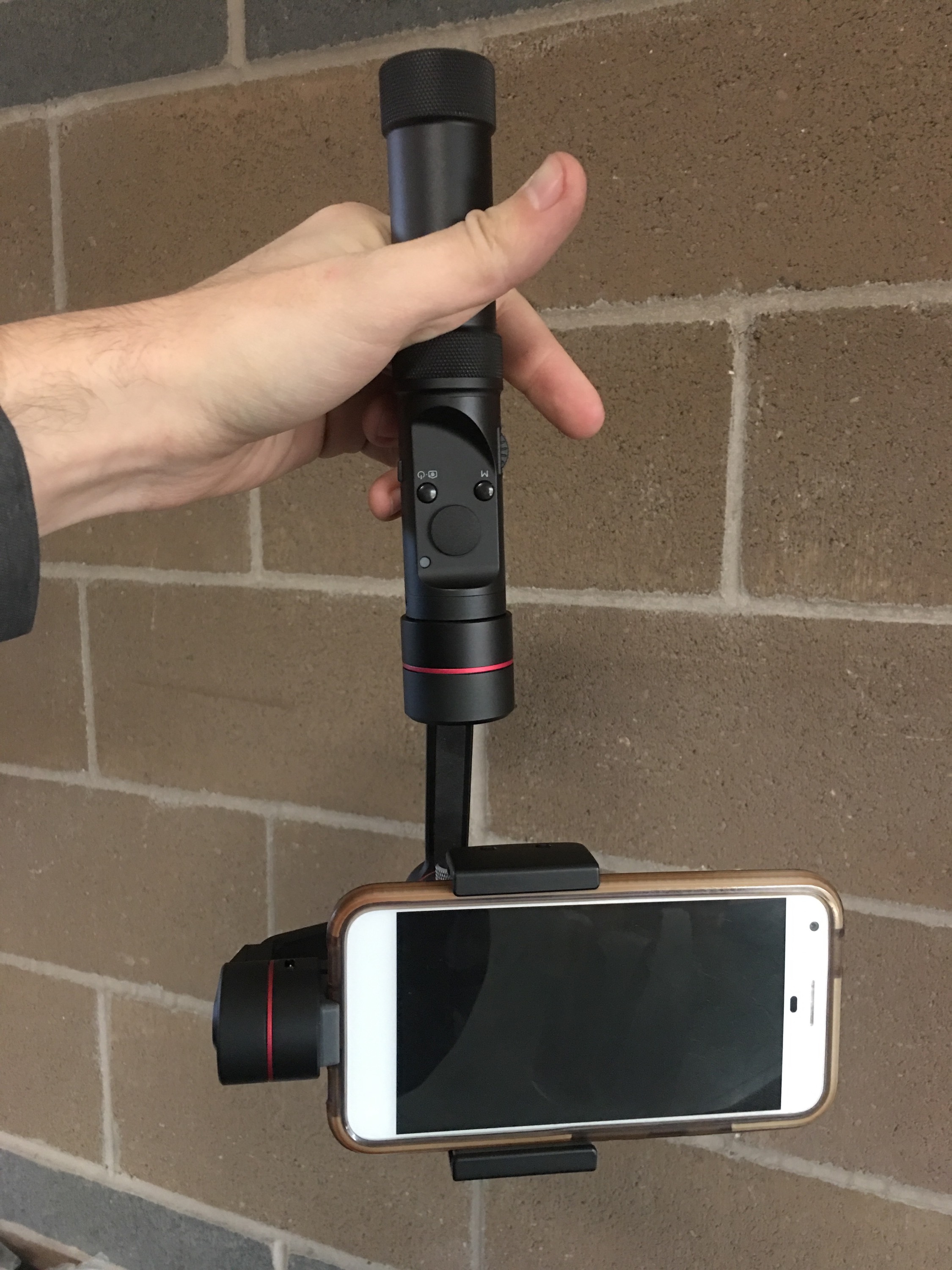
hi. is there a way to hold the gimbal upside down and have the image invert so it is now right-side up? without having to remove the camera and put it in backwards and then re-balance it? seems simple enough, right? there is almost NO info on how to use the app, ANYWHERE!!!!!
-

hey sean, until evo add support for screen rotation, though not ideal, a trick i've found is this,
- rotate the gimbal around the phone towards you, (i.e in front of the screen)
- if in follow mode and not lock mode, when the screen rotates away from you press the mode button three times to selfie mode if you want the buttons accessible.
the will unfortunately be a hard limit to the range of motion you can move to in this way, but for low to the ground shots when holding the gimbal forward, ive found this to work well.
alternately if you dont mind manually triggering record, you could use your mobiles built in camera app. ( if it supports screen rotation, this would then allow you to simple rotate as in the manual.by rolling the gimbal clock/counter clock until it enters portrait mode and then upside down.)
hope this helps.
Regards,
Jamie.

Please sign in to leave a comment.
Comments
2 comments